
Video AI
Film it. Send it. It comes back edited.
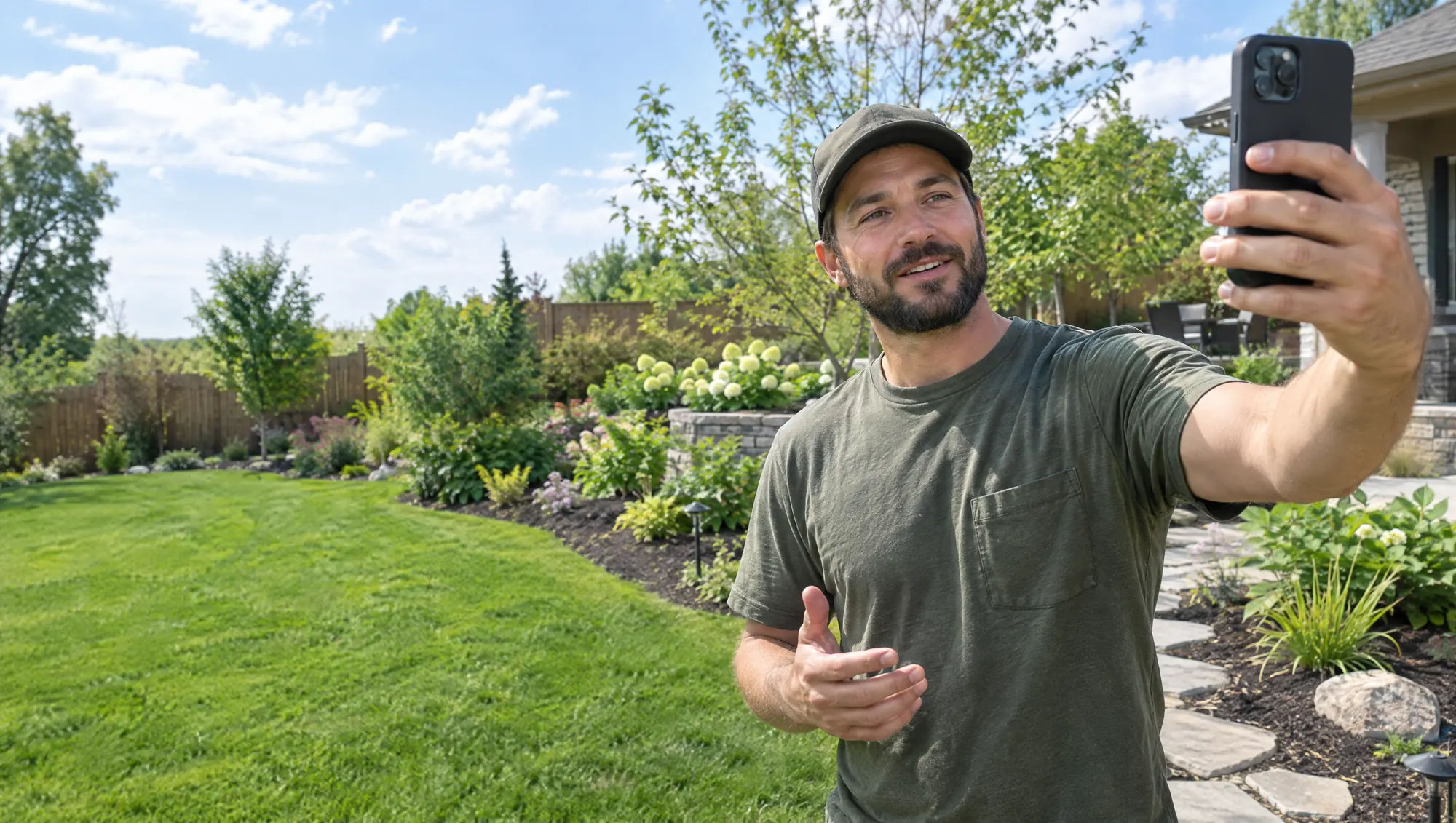
Raw clips from your phone come back cut, subtitled in English or Spanish and sized for every channel. The videos you already filmed finally get posted.
Presence
One clip, start to finish
Two minutes of raw footage, thirty seconds that work.
You send what you filmed. It comes back with the dead air cut, subtitles on and a version for each channel.
3 min
of review per clip, instead of about 45 of editing
“We fixed it the same day.”
- Upload
- Cut
- Subtitles
- Brand
- Ready to post
Example
How it works
You film. We cut. You post.
No editor to hire and no software to learn.
- 01 · FILM
You film on your phone
No setup, no script. A customer story, a job done, a quick tip.
- 02 · SEND
You send it to one place
A shared folder or a WhatsApp number. That is the whole job on your side.
- 03 · POST
It comes back ready
Cut, subtitled and sized. You review it in minutes and it goes to Autopublisher or straight to your channels.

Where it sits in the flywheel
Presence, in motion.
Video AI feeds the Presence stage with the format people actually stop for. Pair it with Autopublisher and the clips post themselves.
Cadence · what your customers see
Edited, subtitled videos on every channel.
Spark · what runs underneath
Cutting, subtitles and sizing that run on their own. Measurement per video.
Where it runs today
Live with a content creator, every week.
3 min
of review per clip, down from about 45 of editing
5×
more videos a week
0
editors hired
Source: a content creator using Video AI, 2026.
Anchored to what you already spend
Not a new cost. A better one.
What you pay for today
A freelance editor, or a Sunday afternoon learning an app. Most clips never leave the phone.
- Editing paid per video
- Hours of your own time
- Clips that never get posted
What Video AI costs
One setup, one monthly fee. The exact number comes in your proposal, once we understand the problem.
- Setup plus monthly
- Subtitles in English and Spanish
- A version for every channel

Start here
Findings first, not promises.
The free Business Health Report shows how your business handles a new call, a form and the follow-up. No meeting, no commitment.
Fair questions
What people ask before they start.
What do I need to film with?
The phone you already have. Vertical, good light, and talk the way you talk to a customer.
Can the subtitles be in Spanish?
Yes, in English, in Spanish, or both on the same video.
Do I approve before anything is posted?
Always. Nothing goes out until you say yes.